Fix the DRNFFFFFxx error with LeafCleaner
Disclaimer
While I have done my best to make this guide safe and easy to follow, I, wyped.net, and any other authors or third parties cannot be held responsible for any damages to your console or loss of data. Please double-check every step and only proceed if you are comfortable with the risks involved. Use this guide at your own risk.
DANGER
You must be on Custom Firmware 5.XX M33-6 or 5.50 GEN (or above) to fix this issue. Do not run this on Custom Firmware 2.XX and 3.XX or Firmware 1.50. Follow this guide to install Custom Firmware 5.00 M33-6.
Addendum: This tool can be run on all Official Firmware above 2.00 and all 5.XX & 6.XX Custom Firmware with a Custom IPL.
The DRNFFFFFxx error means that the IDStorage of your console has been corrupted or patched. This guide will help you fix this issue and allow you to update to update to the 6.61 Official Firmware.
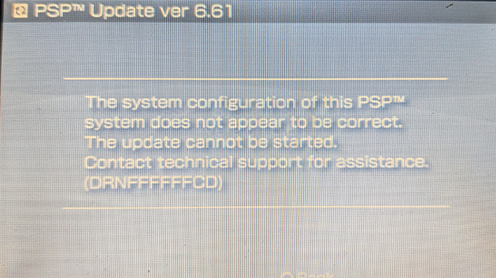
Get started
Download and install the Old Custom Firmware Update Kit
Download the kit here:
For old Custom Firmware: Old CFW Update Kit (github.com)
For 1.50 Official Firmware: Old CFW Update Kit - 1.50 OFW Edition (github.com)
Place the pspIdent and LeafCleaner folders in the GAME folder of the memory stick.
X:/PSP/GAME/
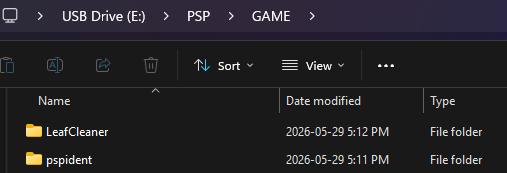
Identify your PSP motherboard with pspIdent
You need to know your PSP motherboard version to follow this guide. It is mandatory to follow the next step.
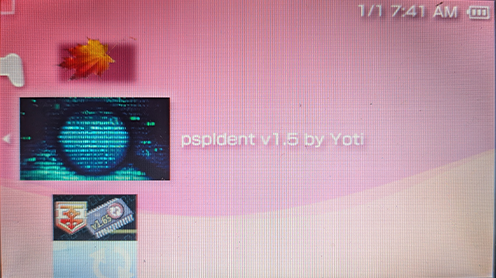
Run pspIdent and identify your motherboard
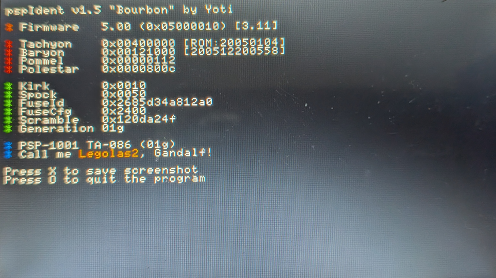
In the blue section near the bottom, you'll see the model (PSP-x00x) followed by the motherboard (TA-0xx). Take note of the TA part, this is what you need to know for the next step.
Fix the DRNFFFFFxx error with LeafCleaner
This error code appears if your IDStorage is corrupted or patched and prevents you from applying the update. In order to proceed with the update, you'll need to fix your IDStorage.
Run LeafCleaner on your PSP.
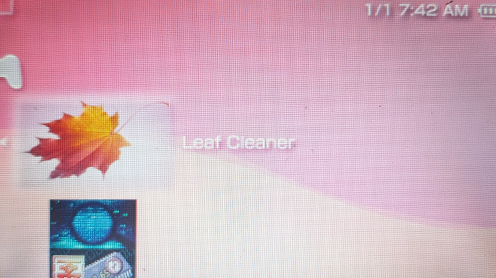
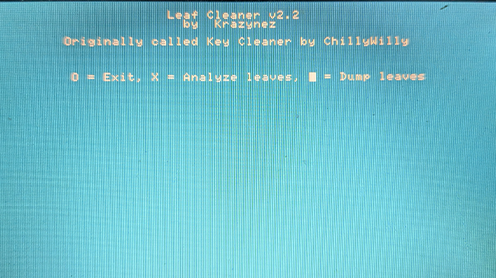
Press X to analyze leaves.
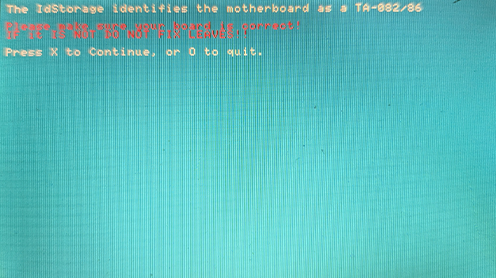
LeafCleaner will now attempt to identifies your motherboard. Confirm that the detected motherboard model match the pspIdent one. If yes, press X to continue.
DANGER
If the motherboard model do NOT match the motherboard model detected by pspIdent, do NOT proceed or you might brick your console!
LeafCleaner will scan your IDStorage leaves and determine if any need to be fixed.
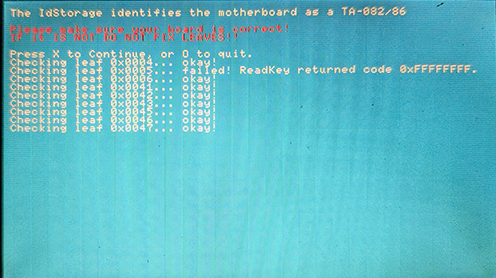
If you're prompted to fix any leaves, do so.
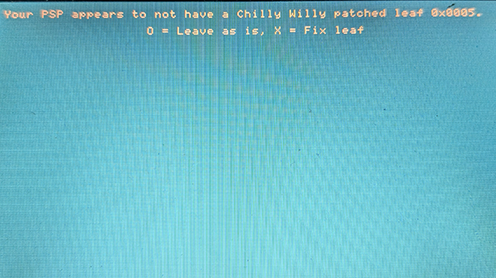
Press any key to return to the main menu.
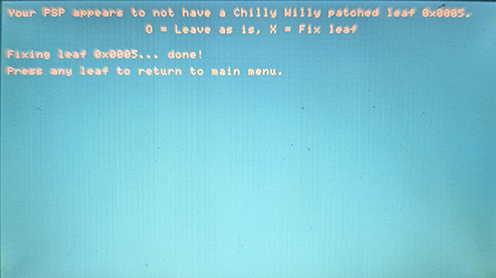
Press X to analyze the leaves again.
Once it's done checking, you should be asked about leaf 0x0005, you want this key to be unpatched. Since you are running Custom Firmware 5.00 m33 which has a custom IPL (or Official Firmware 2.00 and above, or any 5.XX and 6.XX Custom firmware with a Custom IPL), it is safe to do.
DANGER
Do NOT unpatched leaf 0x0005 if you are running a 3.XX Custom Firmware or below, you will brick the console. Follow this guide to install Custom Firmware 5.00 M33-6 and run this guide again.
If you are running a Custom Firmware above 4.XX or Official Firmware above 2.XX you can safely unpatch it.
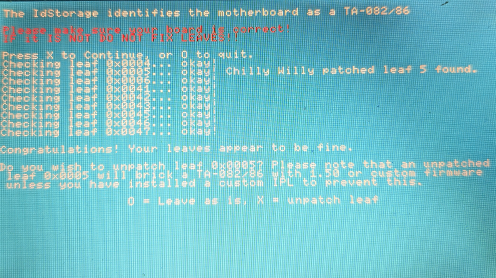
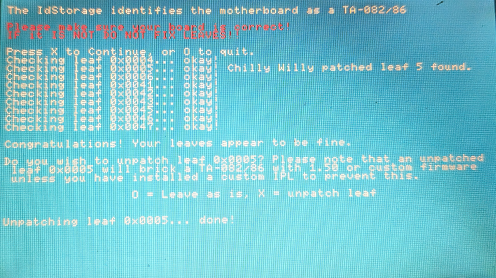
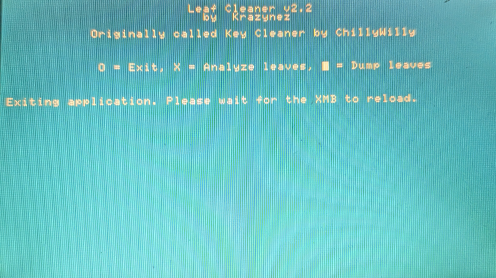
You should end up back on the main screen of LeafCleaner. Exit with the O button.
Update to Official 6.61 Official Firmware
Follow this guide to install the 6.61 Official Firmware (and then the Ark-4 Custom Firmware).