Clean install or downgrade firmware with Chronoswitch Downgrader
Download Chronoswitch Downgrader and Official Firmware update
Download Chronoswitch Downgrader:
Chronoswitch Downgrader (Github)
Download the 6.61 Firmware:
PSP 1000, 2000, 3000, E1000 (Street)
6.61 Official Firmware (Archive.org)
PSP GO
6.61 Official Firmware for PSP GO (Archive.org)
TIP
If you wish to downgrade to another firmware, you can download them here: Darthsternie firmware archive
WARNING
Do not downgrade below 6.20 Official Firmware
Rename Firmware Update file
Extract the firmware from the zip file and rename it to EBOOT.PBP
661.PBP > EBOOT.PBP
Transfer files to the console
INFO
For the purpose of this guide, we will assume that your PSP / Memory Stick has been assigned the drive letter X: by Windows.
Transfer the Firmware Update file to your PSP and place it inside the UPDATE folder. (If the folder doesn't exist, create it).
The Firmware Update file must be placed here:
X:/PSP/GAME/UPDATE/EBOOT.PBP
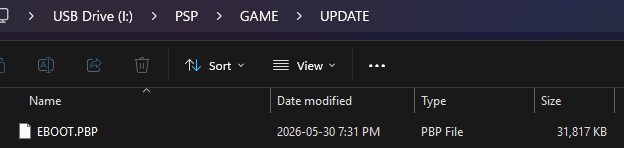
Transfer the ChronoSwitch folder to your PSP and place it inside the GAME folder.
The Chronoswitch folder must be placed here:
X:/PSP/GAME/
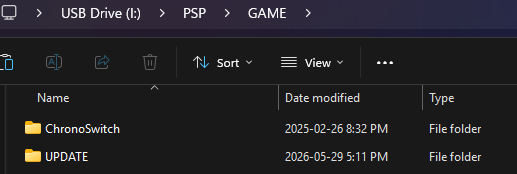
Clean install or downgrade firmware with Chronoswitch Downgrader
Start Chronoswitch Downgrader
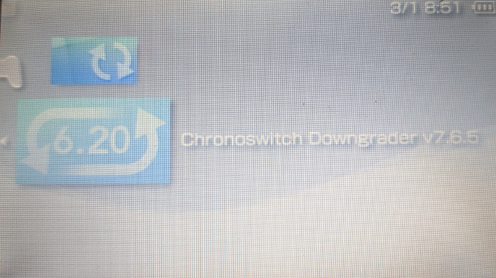
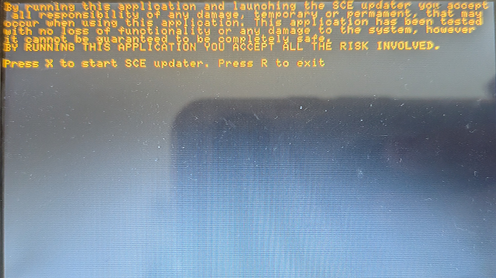
Follow the on-screen instructions then press X to continue.
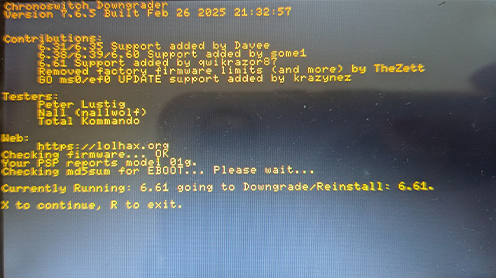
Press X to continue and start the Official Updater.
The Official Updater will start.
Follow the on-screen instructions to install the update.
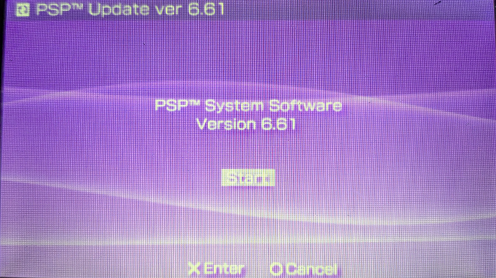
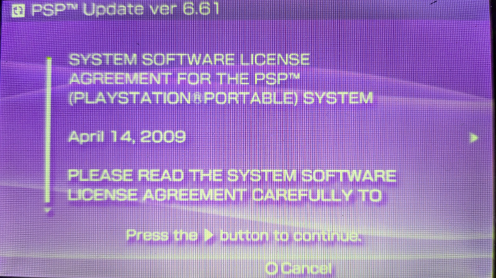
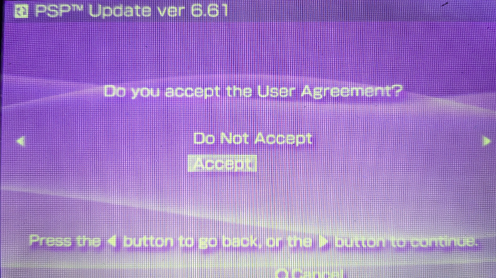
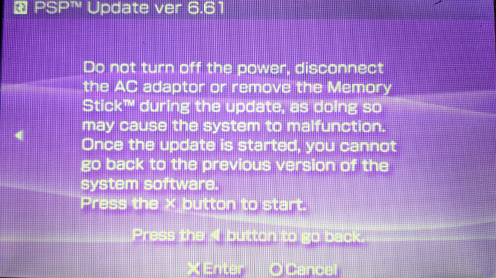
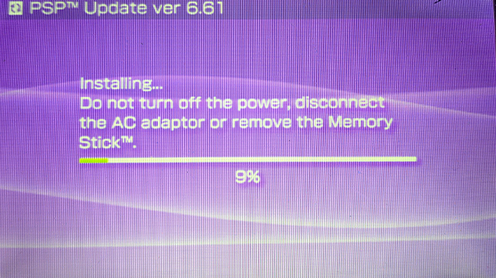
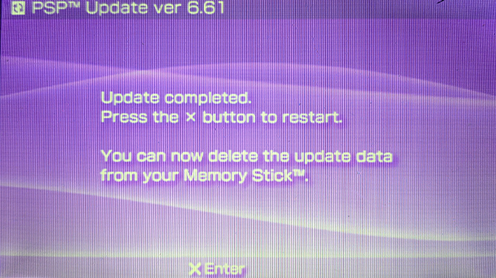
You are now on 6.61 Official Firmware.
You can now install the Ark-4 Custom Firmware.