Fix the DADADADA error with Recovery Flasher
Disclaimer
While I have done my best to make this guide safe and easy to follow, I, wyped.net, and any other authors or third parties cannot be held responsible for any damages to your console or loss of data. Please double-check every step and only proceed if you are comfortable with the risks involved. Use this guide at your own risk.
DANGER
This guide is for PSP 1000 and 2000 (except 2000 with a ta-088v3 motherboard) ONLY! Ta-088v3 2000, PSP 3000, street and GO will be bricked!
Older Custom Firmware like the 3.40 OE or the 3.52 M33 had a protection to avoid updating to Official Firmware and lose Custom Firmare. This protection is giving you the DADADADA error. If you are running the 1.50 firmware this guide will allow you to run the tools necessary to fix IDStorage issues (error DRNFFFFFxx).
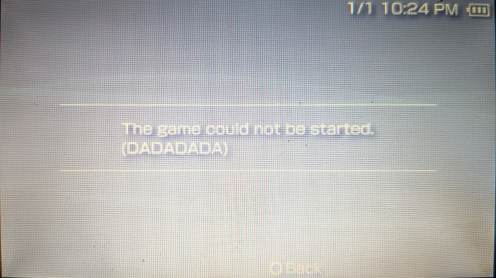
We will fix it by updating to the 5.00 M33 Custom Firmware which disable this protection and allow you to update to 6.61 Official firmware.
Get started
Download and install the Old Custom Firmware Update Kit
Download the kit here:
For old Custom Firmware: Old CFW Update Kit (github.com)
For 1.50 Official Firmware: Old CFW Update Kit - 1.50 OFW Edition (github.com)
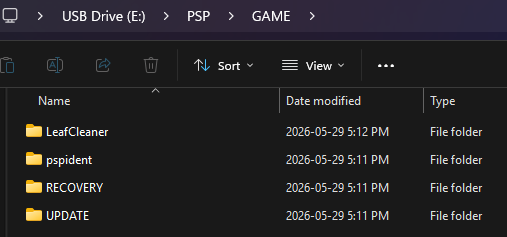
Place the pspIdent, RECOVERY, LeafCleaner and UPDATE folders in the GAME folder of the memory stick.
X:/PSP/GAME/
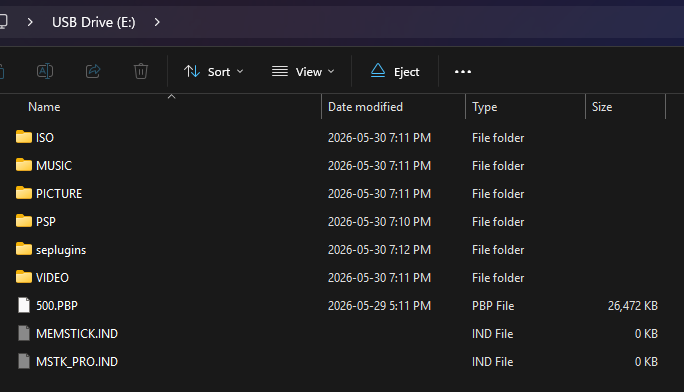
Place the 500.PBP file at the root of the memory stick.
TIP
What we call root is the "base" of the memory stick, it should look like this:
X:/500.PBP
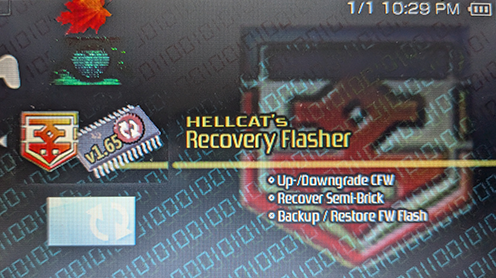
Run Recovery Flasher to install 5.00 M33-6
Run Recovery Flasher.
Set the Target FW to 5.00.
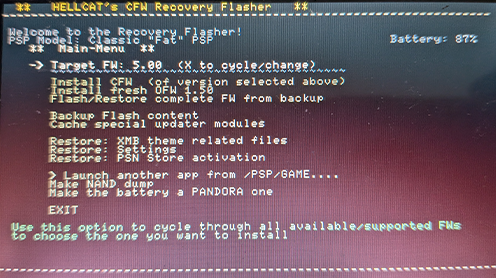
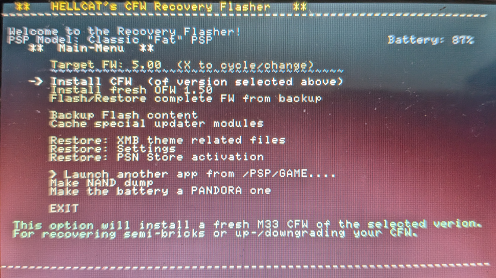
Select Install CFW.
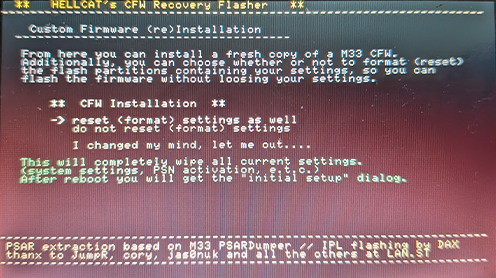
You will get prompted to keep or reset your settings. Reset them.
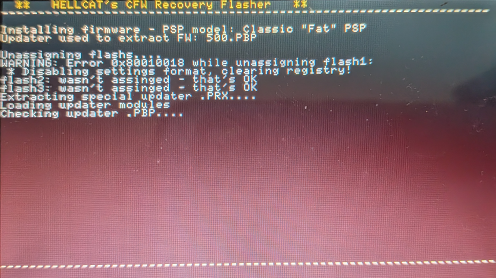
Wait while Recovery Flasher install the 5.00 M33 Custom Firmware.
DANGER
Do not interrupt the flashing process! You'll brick the console!
TIP
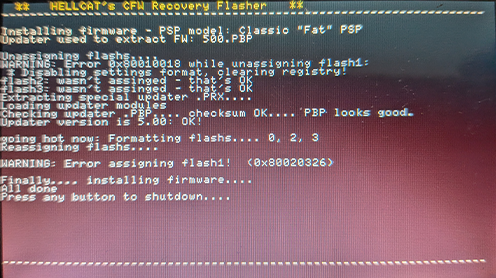
You might get a warning error regarding assigning/desassigning flash1, you can safely ignore it.
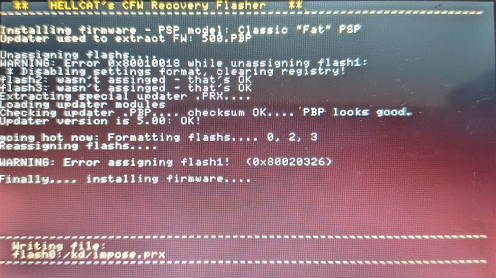
At the end of the installation, press any button to shutdown the console.
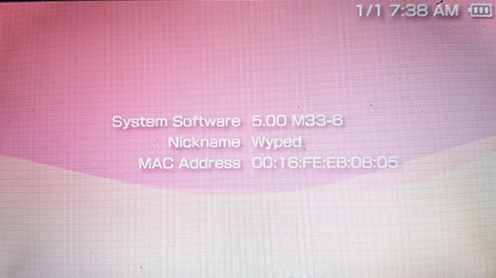
Power on the console, go to System Settings > System Information. The System Software should now be 5.00 M33-6.
Try to update to the 6.61 Official Firmware.
If you get an error DRNFFFFFxx, follow this guide to fix it next: Fix the DRNFFFFFxx error with LeafCleaner