Test your PSP buttons
For this procedure to work, all of the PSP buttons and triggers must be in working conditions. You must have no stuck buttons, especially the Left Trigger and Home button.
Use the KeysTester homebrew
We will use the KeysTester homebrew by Yoti and Krazynez to test your PSP buttons and triggers.
Download KeysTester 5.1
Download the KeyTester 5.1 homebrew and extract the Zip file.
Transfert the files to your PSP
INFO
For the purpose of this guide, we will assume that your PSP / Memory Stick has been assigned the drive letter X: by Windows.
Transfert the keystester folder to the GAME folder.
The folder and EBOOT.PBP must be placed here:
X:/PSP/GAME/keystester/EBOOT.PBP
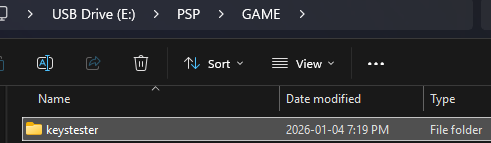
Exit USB mode and navigate to the game list.
Test all your buttons and triggers
Start the KeysTester homebrew.
Known issue
Sometimes the PSP will just freeze up, nothing to worry though. You can run it again and should be fine. It happens rarely but can still occationally occur.
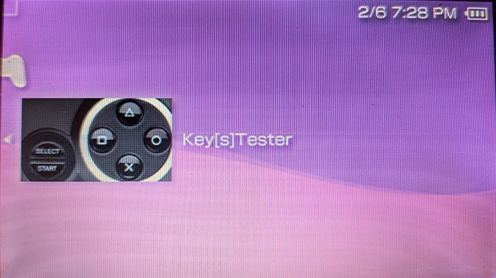
Now you can test all your buttons and triggers. Make sure they are all working and that they are no stuck buttons or triggers. It is mandatory for the Left Trigger and Home button to work properly for this proceedure to succeed!
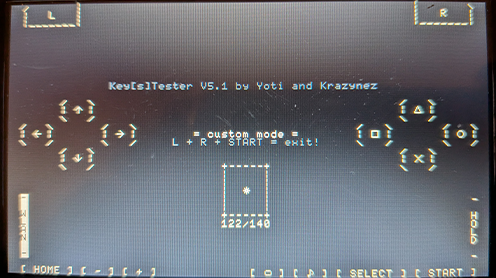
Now that you are done testing. Exit KeysTester and proceed to the next step.